




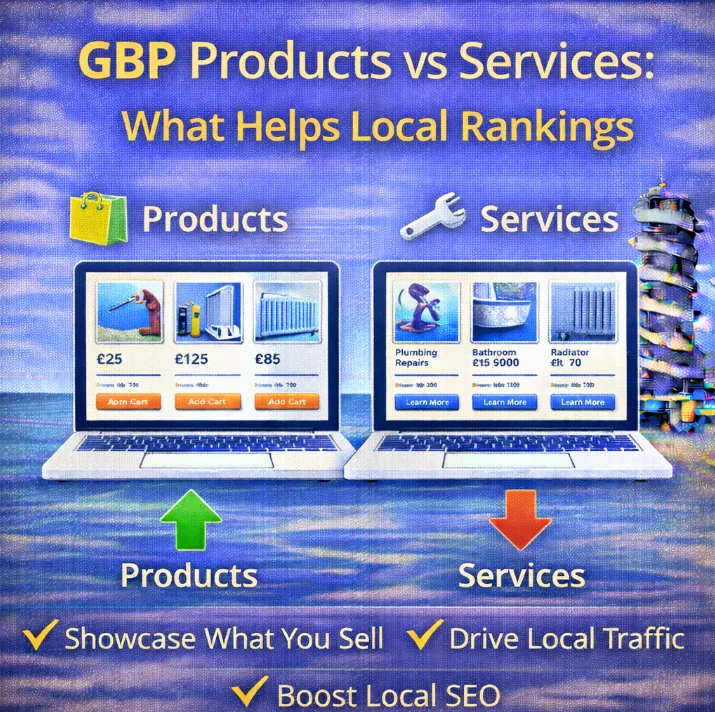
If you have ever stared at the backend of your Google Business Profile (GBP) and wondered why on earth there are separate sections for “Products” and “Services”, you are not alone.
It is a common headache for business owners in Redcar. You might be thinking, “I run a plumbing firm, I don’t sell products, so I’ll skip that bit.”
Stop right there.
Ignoring one of these sections could be the reason your competitors are snatching up all the local leads. Understanding the difference between these two fields, and how to use them properly, is a massive win for your local visibility.
Let’s break down the battle of Products vs Services and see which one actually helps you rank higher.
The Services Section: The Silent SEO Workhorse
Think of the Services section as the technical manual for your listing. It is where you tell Google exactly what you do. This section is heavily tied to your GBP categories.
When you fill this out, you are essentially giving Google a list of relevant keywords attached to your business.
If you are a baker in Redcar, your services might include “Wedding Cakes”, “Sourdough Loaves”, or “Cupcake Delivery”.
Does it help with rankings?
Yes, but perhaps not in the way you think.
The Services section is a “justification” signal. It helps Google understand that you are relevant for a specific search query.
If someone searches for “Emergency Boiler Repair Redcar” and you have that listed as a service, it strengthens the connection between your profile and that search term.
However, there is a catch. The Services list is often hidden behind a tab on your profile.
Customers rarely click on it.
It is great for the algorithm, but it is not exactly exciting for people trying to hire you.
The Visual Powerhouse
Here is where things get interesting.
The Products section is front and centre on your Knowledge Panel. It has visuals. It has prices. It has descriptions. It takes up a huge amount of screen real estate on mobile devices.
Most service-based businesses ignore this section because they think, “I don’t sell physical items.”
This is a mistake.
You can – and should – list your services as “Products”.
Why?
Because “Products” are displayed more prominently than services. If you offer “Carpet Cleaning”, create a Product card for it.
Add a photo of a sparkling clean rug, put a price range (or a fixed price), and write a compelling description.
Does it help with rankings?
Indirectly, yes. And it is powerful.
When you fill out your Products, you are creating high-quality local SEO content right on your profile. This increases engagement. When a potential customer sees a photo and a price, they are more likely to click.
High click-through rates and interaction signals are massive local SEO ranking factors.
Google sees that people are spending time on your profile and clicking on your “Products” (even if they are services), and it rewards you with better visibility.
Which One Should You Prioritise?
This is a trick question. You need both.
If you want to dominate the SERPs (Search Engine Results Pages) in Redcar, you cannot afford to leave any field blank.
- Use Services for Relevance: This feeds the bot. It ensures Google knows you exist for specific search terms.
- Use Products for Conversions: This hooks the human. It makes your listing look professional, active, and trustworthy.
How to Maximise Your Profile for Rankings
Ready to get your hands dirty? Here is a quick strategy to get both sections working for you.
Step 1: Audit Your Categories
Before you touch products or services, ensure your primary category is correct. This is the biggest driver of rank. If you are unsure, you might need a local SEO audit to see what your competitors are doing.
Step 2: Fill Out Your Services with Keywords
Don’t just use the default suggestions Google gives you. Add custom services that reflect what people actually type into Google. Be specific. Instead of just “Cleaning”, add “End of Tenancy Cleaning Redcar”.
Step 3: Turn Your Services into Products
This is the secret sauce. Take your top 5 services and build Product cards for them.
- Image: Use a high-quality photo of your team working or a result of your work.
- Name: The name of the service (e.g., “Full Car Service”).
- Category: Create a new product category for your services.
- Description: Write 100 words selling the service. Treat this like a mini sales pitch.
- Button: Add a “Learn More” button that links directly to the specific service pages on your website.
Monitoring the Impact
You shouldn’t just set this and forget it. You need to know if it is working. You should track GBP performance regularly. Look for an increase in “Product views” in your insights tab.
If you see that nobody is clicking your products, maybe your image isn’t catchy enough, or your title is too vague. Tweak it. Test it. Improve it.
The Bottom Line
In the battle of Products vs Services, the winner is the business owner who uses both.
Services help you show up. Products get you the click.
For local businesses in Redcar, this is an easy win. Most of your competitors are likely leaving the Products section empty because they think it doesn’t apply to them. By filling yours with vibrant photos and clear pricing for your services, you instantly look more professional and trustworthy than the profile next door.