




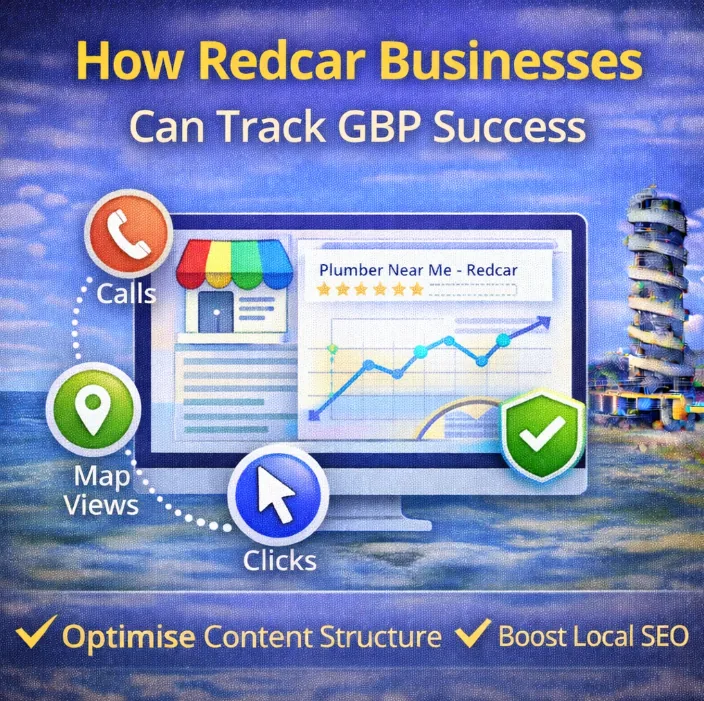
Your Google Business Profile isn’t a set-and-forget listing.
It’s one of the main ways people in Redcar find local businesses. That only matters if it’s producing actual enquiries.
Tracking success means looking at outcomes.
Numbers that connect to real people getting in touch.
Data you can act on without paying for software.
This guide breaks it down clearly:
- what Google Business Profile success actually looks like
- which metrics are worth paying attention to
- how to track everything for free
- how long results usually take to show
What Google Business Profile Success Actually Looks Like
Before tracking anything, it’s worth being clear on what success means.
For local businesses, success looks like leads.
That usually shows up as:
- phone calls
- contact form submissions
- direction requests
- booking clicks
Calls matter most for most businesses. Someone picking up the phone is already close to buying.
Everything else supports that outcome.
Metrics that don’t directly connect to leads still exist inside Google Business Profile, but they’re secondary. Views, impressions, and photo numbers don’t pay the bills on their own.
How to Track Google Business Profile Performance (For Free)
You don’t need tools, dashboards, or subscriptions to understand whether your profile is working.
Google already gives you what you need.
Using Google Business Profile Performance Data
The most reliable data lives inside your own profile.
Step 1:
Search for your business name on Google while logged in.
Step 2:
Open the dashboard and click Performance.
Step 3:
You’ll see tabs for Overview, Calls, Website Clicks, Bookings, and Directions.
Calls are usually the clearest signal of intent for local businesses. Start there.
Step 4:
Open the Calls tab and look at the last three months.
You don’t need to obsess over daily movement. You’re establishing a baseline. That tells you whether activity is flat, rising, or dropping.
Step 5:
Back in Overview, scroll down to see which searches are triggering actions.
This shows the phrases people used before calling or clicking. It gives context to where demand is coming from.
Checking Your Visibility on Google Maps
Map visibility connects directly to how often your profile is seen.
This part is manual, but useful.
Step 1:
Open Google Maps.
Step 2:
Search for services related to your business, combined with location terms people would realistically use.
Examples:
- “accountant near me”
- “café Redcar”
- “hair salon near me”
- “mortgage advice Redcar”
- “personal trainer Redcar”
Step 3:
Note where your business appears.
The top three positions matter most. That’s where most clicks and calls come from.
Step 4:
Check from different areas if possible.
Results vary based on location. Ask someone else locally to check, or test from nearby towns.
Step 5:
Write it down.
A simple spreadsheet is enough. You’re tracking movement over time, not perfection.
Tracking Where Customers Actually Come From
This is the most overlooked tracking method because it isn’t automated.
It’s also the most accurate.
Ask people how they found you.
When someone calls, emails, or walks in, it takes seconds to ask the question. Over time, patterns appear.
Common answers include:
- Google Business Profile
- website
- recommendations
- social media
- local groups
Write it down somewhere consistent.
After a few months, it becomes clear which channels pull their weight and which ones exist mostly in theory.
How Long Google Business Profile Results Take: A Breakdown
Results don’t arrive instantly.
Google Business Profile builds momentum based on consistency, accuracy, and trust signals.
That includes updates, engagement, and reviews.
A realistic timeline looks like this for most local businesses:
First 1–3 Months
This phase is about foundations.
Profile information gets cleaned up. Categories are refined. Descriptions are improved. Reviews start coming in.
Small changes in activity often appear first.
3–6 Months
This is where traction usually starts showing.
Calls increase.
Map visibility stabilises.
Search terms triggering actions become clearer.
This is the stage where consistency matters most. Many businesses drift here and undo progress by stopping.
6–12 Months
At this point, profiles that have been maintained properly tend to hold ground and improve further.
Calls become more regular.
Map pack appearances increase.
Brand recognition locally improves.
Google Business Profile rewards long-term reliability more than short bursts of activity.
Final Words
Tracking Google Business Profile performance isn’t complicated.
It’s about paying attention to the signals that matter and ignoring the ones that don’t move the needle.
Calls, enquiries, and direction requests show intent.
Visibility supports those outcomes.
Consistency compounds everything.
If your profile exists but doesn’t feel like it’s pulling its weight, the data will show you why.