




Header tags are one of the most misunderstood parts of on-page SEO.
They’re often treated as decoration. Sometimes they’re used as a place to wedge keywords. Most of the time, they’re added without much thought beyond “this looks about right”.
In reality, header tags control how a page is read, understood, and navigated – by users and by search engines.
This guide breaks them down properly, with practical advice you can apply immediately:
- what header tags are
- why they matter for SEO and usability
- best practices that still hold up
- common mistakes that quietly hold pages back
Let’s get into it:
What Header Tags Are (H1–H6)
Header tags define the structure of a page.
They’re HTML elements that show how content is organised and how sections relate to each other. Browsers use them. Screen readers rely on them. Search engines use them for context.
Think of them like the contents page of a book.
At any point, a reader should understand where they are in the topic based on the heading above them.
In practical terms:
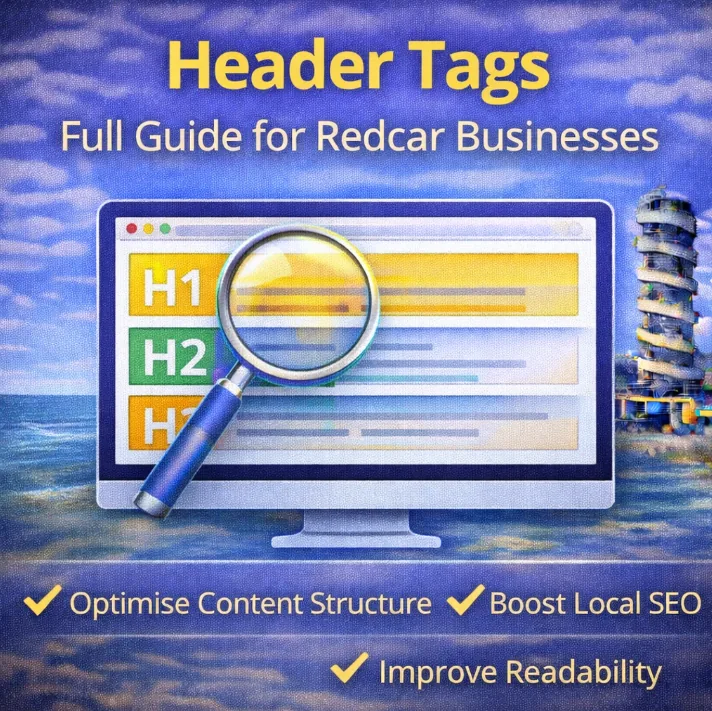
- H1 – the main title of the page
- H2 – major sections
- H3 – supporting sections under an H2
- H4–H6 – finer detail, usually only needed on longer pages
Here’s what a clean structure might look like on a local service page:
<h1>Accountancy Services for Small Businesses in Redcar</h1>
<h2>Bookkeeping Services</h2>
<h3>Monthly Accounts</h3>
<h2>Tax & Compliance</h2>
<h3>Self Assessment Support</h3>
One H1 is enough.
Everything else exists to break content into readable, logical sections.
Header tags also support accessibility. Screen readers use them to navigate pages. Users who skim rely on them to find answers quickly.
A logical order matters. Jumping around for styling reasons creates friction.
Why Header Tags Matter
Header tags influence performance because they affect usability.
They help search engines understand what each section of a page is about.
They help users scan content without reading every word.
They surface important topics naturally.
They support accessibility without extra effort.
Search engines don’t rely on crude keyword tricks anymore, but they still reward clarity. Pages with clean structure tend to perform better because they’re easier to use.
Well-written headings also appear in features like People Also Ask.
Structure improves comprehension. Comprehension improves engagement. Engagement supports visibility.
Common Header Tag Myths
A few ideas refuse to die.
- Multiple H1s won’t cause penalties, but one H1 keeps pages clearer
- Header order doesn’t need to be perfect, but logical order helps users
- Repeating keywords in every heading adds noise, not relevance
Modern SEO leans toward usability. Header tags sit squarely in that space.
How To Use Header Tags Effectively
Use One Clear H1 Per Page
The H1 defines what the page is about.
It should be specific, readable, and human.
Good example:
<h1>Personal Training Services in Redcar</h1>
Poor example:
<h1>Personal Trainer Redcar | Gym Redcar | Fitness Training Redcar</h1>
The first communicates.
The second performs.
Use H2s to Define Main Sections
Each major topic shift deserves its own H2.
On service pages, H2s often separate offerings, benefits, and supporting information.
<h2>One-to-One Training</h2>
<h2>Group Fitness Sessions</h2>
This creates natural breakpoints for readers and crawlers.
Use H3s for Supporting Detail
H3s expand on an H2.
<h2>Hair Salon Services</h2>
<h3>Colouring & Highlights</h3>
<h3>Cut & Styling</h3>
H4–H6 are rarely needed, but they should be used in a similar way to H3’s.
If a page requires many layers, often, it’s usually covering too much ground.
Use Keywords Naturally
Keywords belong in headings when they fit the meaning of the section.
Location terms and services can appear without being forced.
Overuse makes headings awkward and damages trust. Readers notice when language stops sounding normal.
Clarity beats coverage every time.
Match the Heading to the Content Below It
Headings set expectations.
If a heading promises an explanation, the content underneath should deliver exactly that.
Mismatch breaks flow and trust.
This is one of the most common issues on underperforming local business pages.
Use CSS for Styling
Headers control structure, not appearance.
Avoid using header tags just to make text bigger.
Bad:
<h2>Book a Free Consultation</h2>
Better:
<p class=”cta-text”>Book a Free Consultation</p>
Structure and styling solve different problems.
Keep Headings Short and Direct
Most effective headings sit between three and seven words.
They act as signposts, not descriptions.
Clear beats clever. Short beats bloated.
Bringing It All Together: Examples
Local pages benefit from early clarity.
Location should appear once, clearly, then be supported naturally through the rest of the content.
Example:
<h1>Mortgage Advice for First-Time Buyers in Redcar</h1>
<h2>Local Knowledge of the Redcar Market</h2>
<h3>Supporting Buyers Across Teesside</h3>
The location is established. The rest of the page reinforces it without repetition.
More examples:
Service Page Example
<h1>Café & Brunch Spot in Redcar</h1>
<h2>Breakfast & Brunch Menu</h2>
<h3>Vegetarian & Vegan Options</h3>
<h2>Drinks & Coffee</h2>
<h3>Speciality Coffee</h3>
<h2>Why Visit Us</h2>
<h2>FAQs</h2>
<h3>Do you take bookings?</h3>
<h3>Are dogs allowed?</h3>
Blog Post Example
<h1>How Small Businesses in Redcar Get New Customers</h1>
<h2>Word of Mouth</h2>
<h2>Google Search</h2>
<h2>Local Recommendations</h2>
<h2>What Matters Most</h2>
Each heading advances the topic. Nothing exists purely for keywords.
Final Thoughts
Header tags look small. Their impact isn’t.
They shape how content is read.
They influence how pages are understood.
They guide users through information without friction.
Strong structure makes everything else easier – writing, optimisation, and conversion.
This isn’t about gaming search engines.
It’s about guiding real people through your site clearly.
If a page feels messy, start with the headers.